Branch and Conquer
Branching and Merging. Made Easy.
Merging for Mortals
Branch-based development doesn't have to be complex and confusing.

Cornerstone's dedicated strategies for synchronization, reintegration and cherry picking take the guesswork out of merging.
And the checklist and preview features help prevent unnecessary conflicts before they even happen.
Screenshots
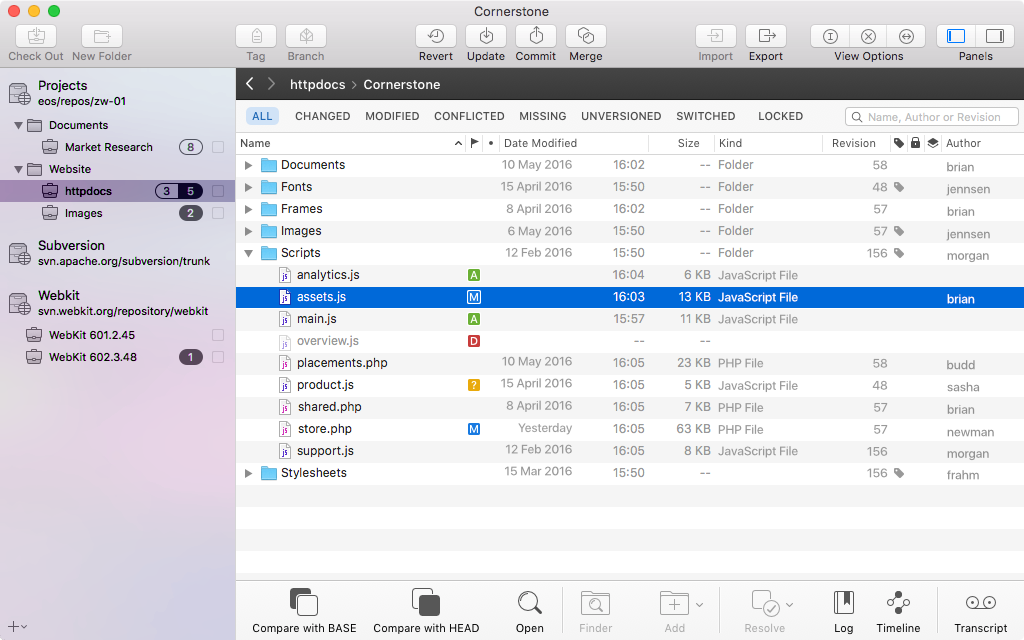
Surgical Precision
Cherry Picking
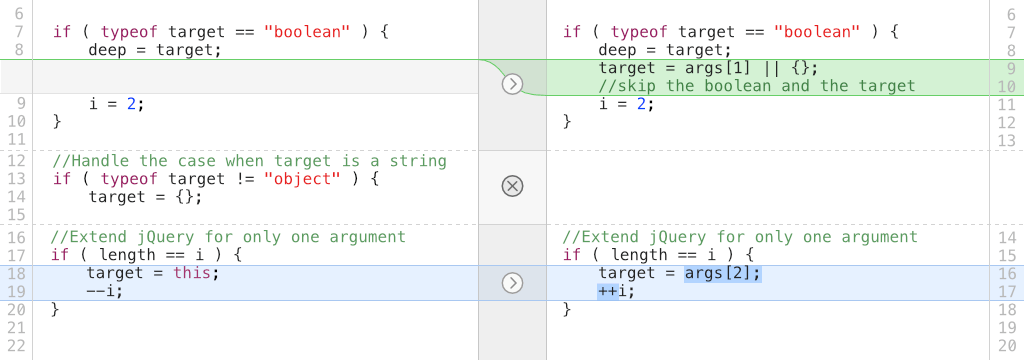
Use Cornerstone's cherry picking strategy to merge discrete sets of changes between branches.
Complex sets of revisions can be chosen to only include the ones you need. And Cornerstone clearly marks previously-merged revisions to help you stay focused on the relevant changes.

Pre-Flight Check

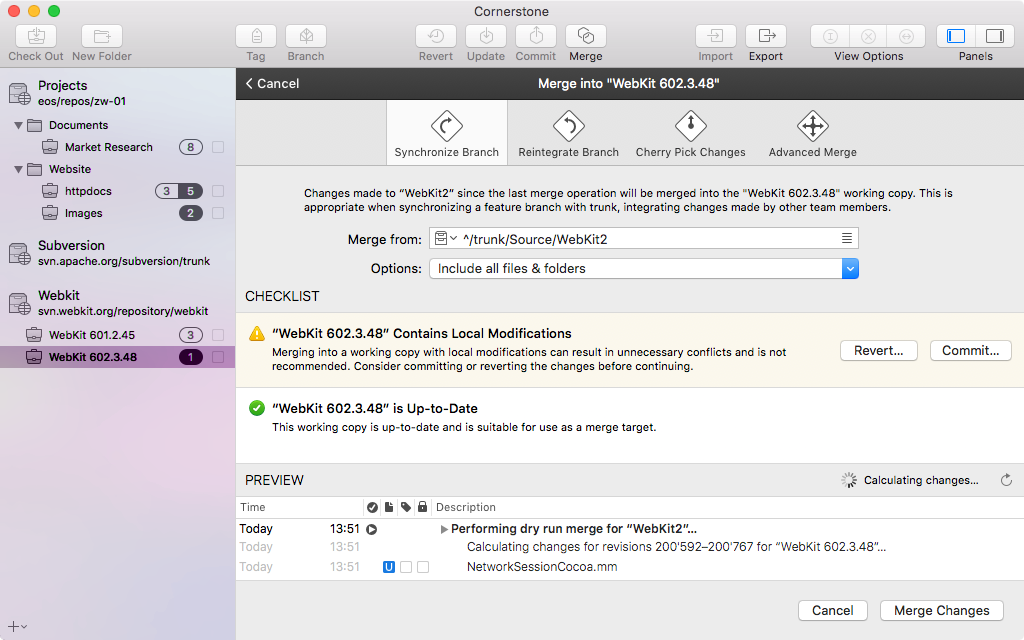
Working Copy Checklist
Merge conflicts can often be avoided by following a few simple rules: Avoid local modifications and Keep the receiving working copy up to date.
Cornerstone inspects your working copy and makes suggestions to help you avoid unnecessary conflicts.
Past Master
Your Project. Past and Present.
Total Recall
Version control is all about tracking changes over time, so Cornerstone includes sophisticated tools for navigating your project's history.
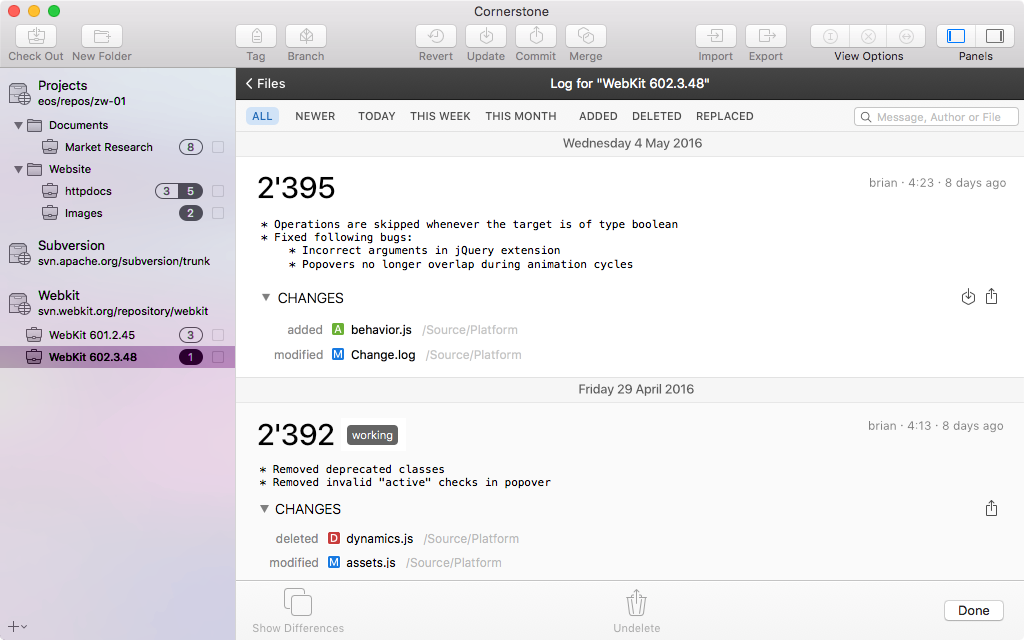
First up, there's the Log View: your one-stop shop for browsing a project's recent changes.
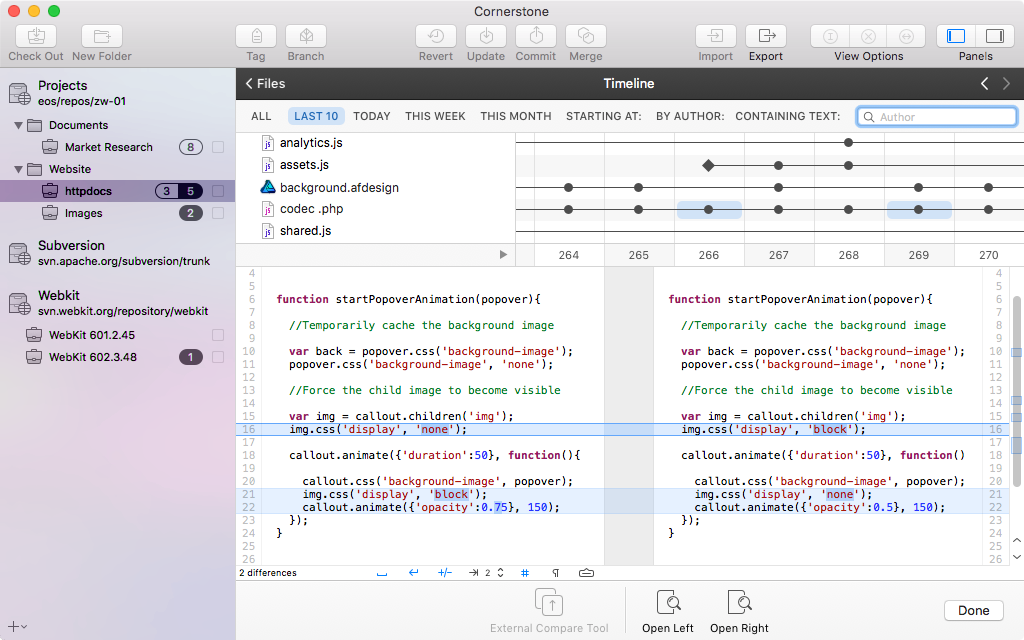
And then there's the Timeline View, which is perfect for browsing and comparing past versions of individual files.
Screenshots
Time Will Tell
The Log View
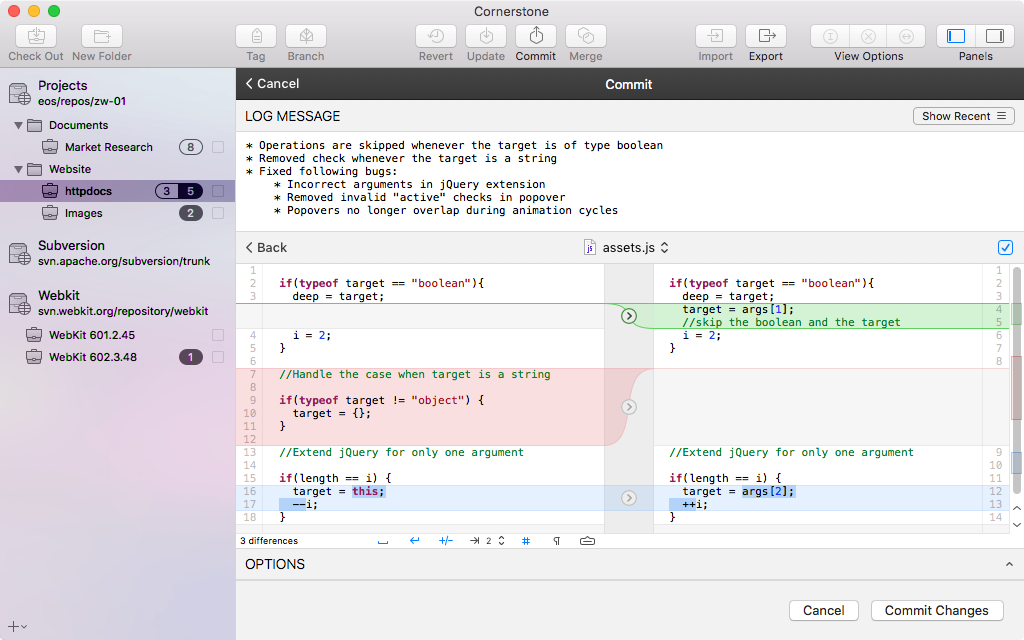
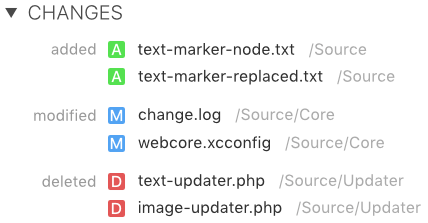
Discover what your team did recently in the Log View: all your revisions, grouped by date, in one simple list.
Need more information? Expand the list of changes and double-click a file to inspect the modifications.
Time After Time
The Timeline View
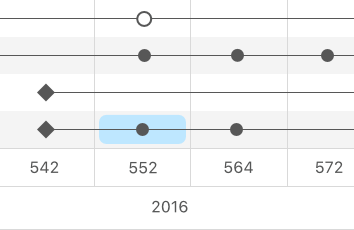
The Timeline View presents revisions on an intuitive timeline.
Browse revisions, find branch points and compare versions. And built-in filters help you get there fast.
Who, Why, What and When
Annotations: Really Know Your Stuff.
The Blame Game
Get Answers
Cornerstone's annotations work like magic.
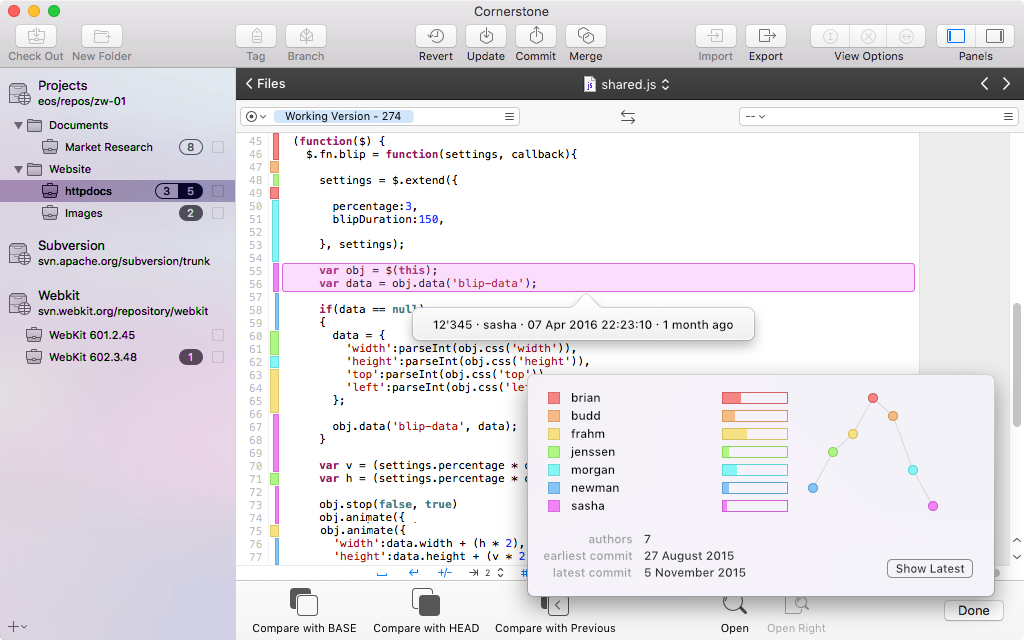
Click a block of text to get not just the Who?, but also the When? and the Why? of the revision that contributed those lines.
And blocks are color-coded by author so you'll know who's responsible for what.
Right Where you Need Them
Seamlessly Integrated
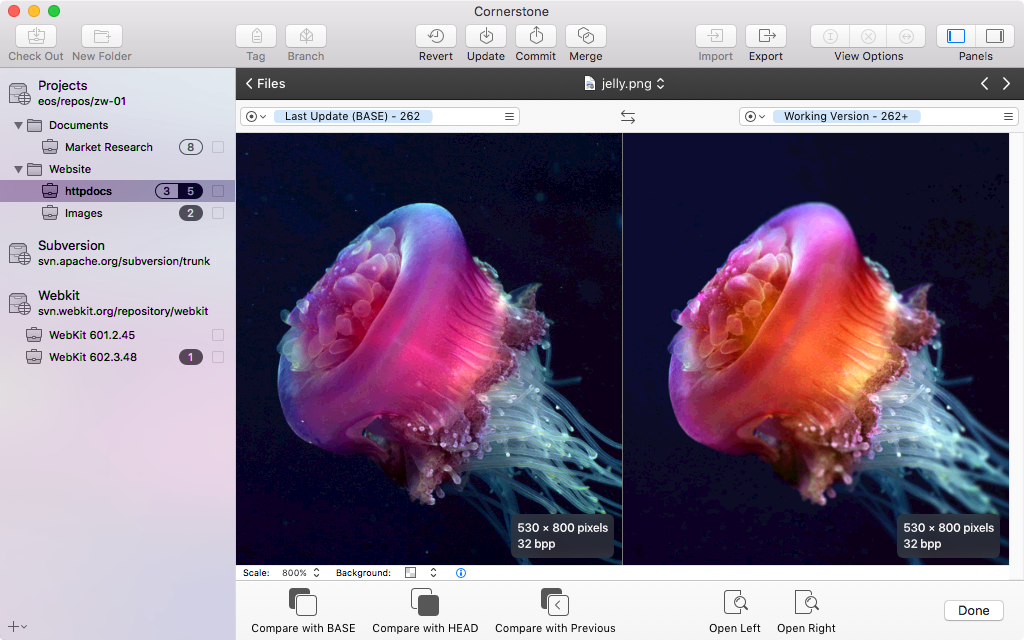
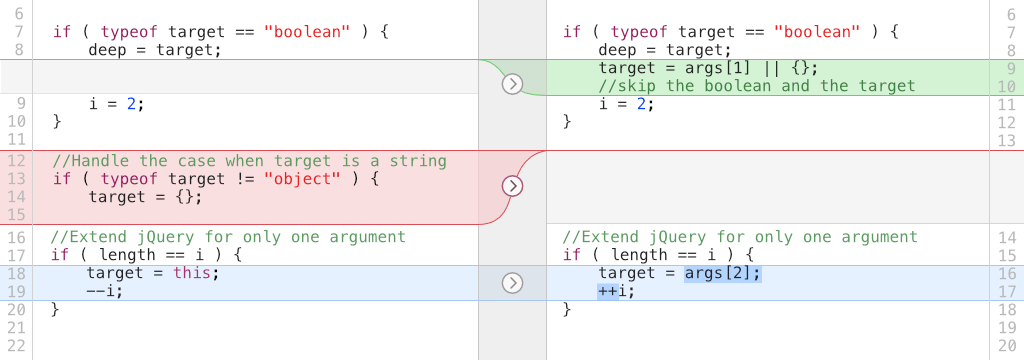
Annotations are seamlessly integrated into Cornerstone's compare view.
They're right where you need them, answering questions like Where did those lines come from? and Who's stuff am I changing?
WebInspector.Script.prototype = {
get linesCount()
{
if (!this.source)
return 0;
if (this._linesCount)
return this._linesCount;
this._linesCount = 0;
var lastIndex = this.source.indexOf("\n");
while (lastIndex !== -1) {
lastIndex = this.source.indexOf("\n", lastIndex + 1)
this._linesCount++;
}
Summary
Information about the file's earliest and latest revisions, including the revision number and date.
Timeline
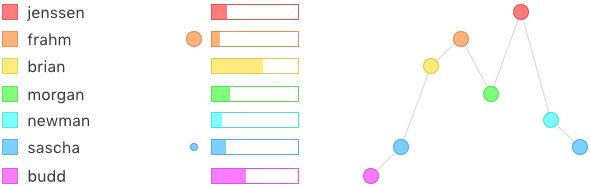
The timeline plots a file's revisions against the file's authors.
The result is a two-dimensional chart which provides a visual overview of who has contributed what to a file's contents over time.
Legend
The legend shows the color used for each of the file's authors along with the percentage of the file's contents which the authors have each contributed and icons indicating who contributed to the file recently.
Legendary Features
Annotations come with a feature-packed legend that lets you see not only who has been working on a file, but also unlocks it's vital statistics.
And the interactive timeline makes navigating through a file's parts simple and easy.
Screenshots